Remote work hacks for getting things done anywhere
Working life has changed radically in recent years. Remote work is no longer a trend but a fixed part of how many people work. The pandemic accelerated the home office boom and forced companies to introduce flexible working models fast.
6 Min. Reading Time
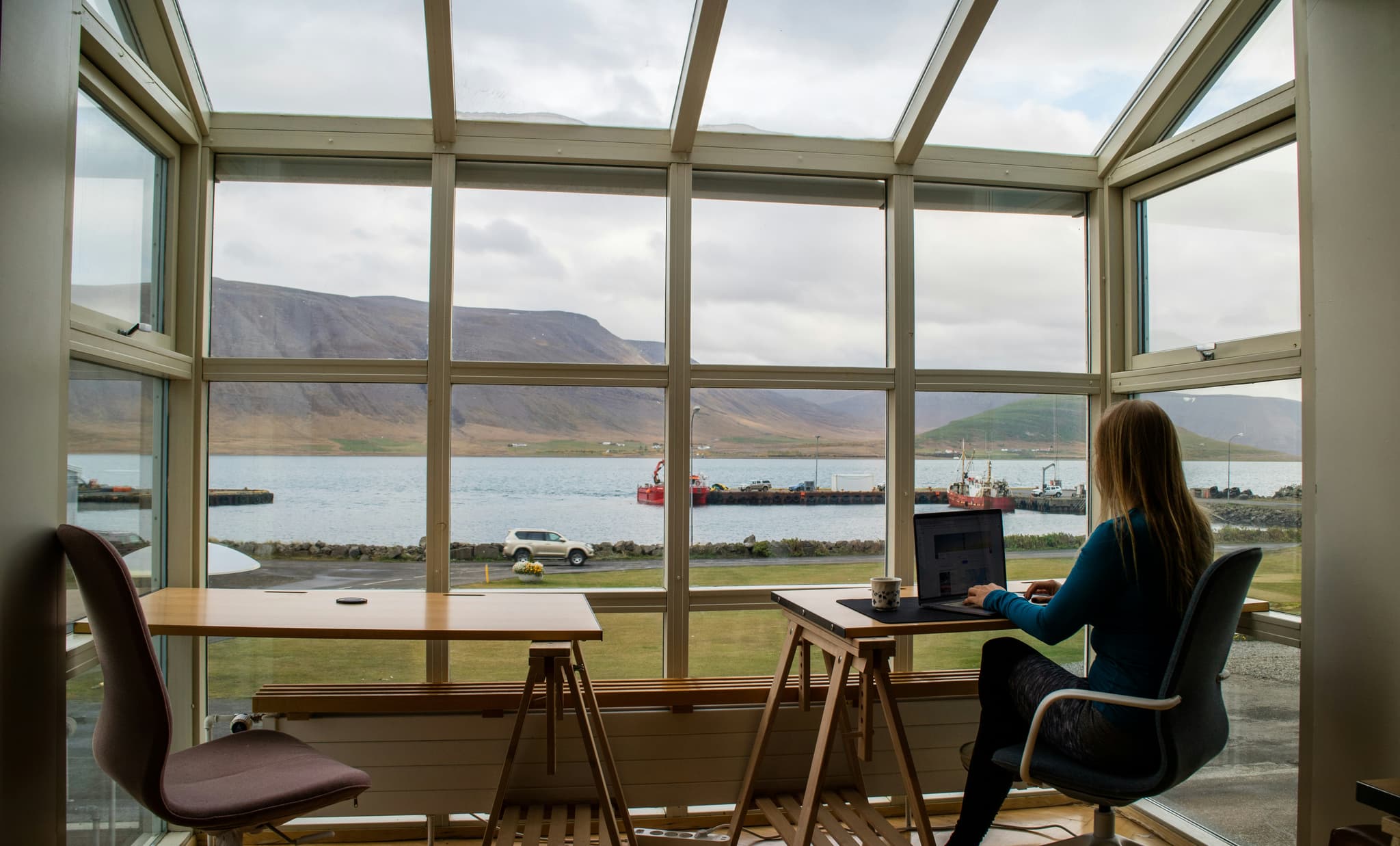
Remote work opens up possibilities for location-independent, mobile working that were unthinkable not long ago. But staying productive and healthy takes more than a laptop and wifi. This article covers the best remote work hacks for working efficiently from anywhere – in a café, on a train or at home.
Remote work hacks – the basics
Choose the right equipment
Successful remote work starts with the right hardware. A capable laptop or a tablet with a keyboard is the foundation, and portability and battery life are what matter. Accessories such as noise-cancelling headphones, an external keyboard and mouse and a good monitor noticeably improve the quality of your work. A mobile charger or power bank prevents unexpected interruptions on the road. For a proper office setup you also want a headset for video calls and a good webcam.
Studies suggest that 85 per cent of remote workers say they are more productive working from home than in the office. The reasons are fewer interruptions and a working environment adapted to the individual.
A stable internet connection matters most
Nothing slows remote work down like a bad internet connection. Whether at home, in a café or on the move, fast and stable internet is essential. Mobile hotspots and LTE/5G dongles offer flexible options when travelling. Coworking spaces and libraries often have fibre connections that allow high data rates. Before you start working, run a speed test to check the connection. If quality fluctuates, switching between wifi and a mobile data plan helps.

Plan focus time
Focused work matters especially in a remote setting, where distractions are everywhere. Effective time management techniques such as the Pomodoro method structure the day into clear phases, alternating 25-minute blocks of work with short breaks. It also helps to block fixed focus time in your calendar and tell colleagues when you do not want to be disturbed. Deliberately avoiding multitasking raises productivity noticeably.
Prioritise tasks and organise them digitally
Digital organisation tools are indispensable for prioritising and managing tasks. Tools such as Trello, Asana or Microsoft To Do offer visual kanban boards and checklists for efficient task management. What matters is a clear structure by urgency and importance, plus realistic deadlines. A digital calendar with reminders supports time management further. For teams, shared platforms are worth integrating to ensure transparency and collaboration.
Reduce digital distractions
At home or on the road, digital distractions are everywhere: social media, personal messages or email notifications can break your flow quickly. Tools that block distractions help, such as Focus@Will, Forest or your phone's do-not-disturb mode. Clear rules also work, such as "only check social media during breaks", or switching off push notifications. A tidy desktop and fewer open tabs support concentration too.
One survey found that employees who take regular breaks for movement and fresh air can increase their concentration by up to 30 per cent. These simple activities improve not only mental clarity but long-term health.
Ergonomics on the move
Remote work often means working in changing places under different conditions. Ergonomics remains key to avoiding physical complaints. A portable laptop stand raises the screen to eye level and prevents neck tension. External keyboards and mice improve hand position. For longer sessions an ergonomic chair, or at least a supportive seat pad, is worth having. If you often work while travelling, keep the ergonomic basics in mind for your mobile kit as well.
Build in movement and fresh air
Regular movement supports concentration and well-being. In a remote setting, where the commute disappears, it is important to plan breaks for movement deliberately. Short walks, stretching or yoga counter tension and mental stress. Fresh air also improves oxygen supply and boosts performance. Some remote workers use walking meetings or work standing up for part of the day to build in physical activity.
Practical examples and case studies

Mini case study 1: a freelancer in a Berlin café
Anna is a freelance graphic designer and works mainly from various coworking cafés in Berlin. To stay productive there she uses noise-cancelling headphones that shield her from background noise. She carries a mobile hotspot so she does not depend on café wifi. She blocks focus time in her digital calendar and uses the Pomodoro technique. To avoid back problems she brings a folding laptop stand and an external Bluetooth keyboard. She uses her movement breaks for walks along the Spree. That is how Anna stays focused and healthy despite constantly changing surroundings.
Mini case study 2: a team on the train between Munich and Hamburg
A software development team uses the four-hour train journey for focused sprint planning. Each team member carries a reliable LTE dongle so they can reach cloud services. They exchange tasks and priorities through a collaboration platform. Focus periods are agreed in which no communication takes place. The team uses digital tools to stay in sync during the journey. On ergonomics, they pay attention to their posture, change position regularly and do short stretches in the aisle. The combination of digital organisation and deliberate break planning makes working on the move efficient.
The average remote worker saves up to 60 minutes of commuting a day – almost five hours a week that can go into productive work or recovery. That reclaimed time has a positive effect on work-life balance and motivation.
Comparison table: remote hacks side by side
Remote work hack | Benefit |
|---|---|
Choose the right equipment | Maximum flexibility and professional quality of work |
Secure a stable internet connection | Uninterrupted communication and access to resources |
Plan focus time | Better concentration and higher productivity |
Prioritise and organise tasks | Better overview, less stress, work finished on time |
Reduce digital distractions | More attention and time saved |
Ergonomics on the move | Physical complaints avoided |
Build in movement and fresh air | Better health and mental freshness |
FAQ on remote work hacks
What are the most important tools for productive remote work?
The most important tools include task management systems such as Trello or Asana, video conferencing software such as Zoom or Microsoft Teams, and communication apps such as Slack. These are complemented by tools for scheduling and avoiding distractions. There is more on this in our article on digital tools.
How do I avoid distractions when working from home?
Distractions can be reduced with fixed focus periods, notifications switched off and concentration tools. A structured daily routine also helps separate private life from work.
How important is ergonomics when working on the move?
Ergonomics is essential to avoid long-term health problems. Even when travelling, pay attention to screen height, posture and regular breaks. Small aids such as laptop stands and external keyboards make a big difference.
Conclusion and outlook
Remote work is more than a trend today. The right hacks make efficient work possible anywhere, support your health and improve work-life balance. Hybrid models combining the office with mobile workplaces will keep gaining ground. At the same time digital tools keep evolving and are increasingly AI-supported, helping to optimise individual ways of working. The combination of good equipment, digital organisation and deliberate self-management remains the key to succeeding in the new world of work.
Related Articles

Flexible work in Europe 2025: a comprehensive case study
Hybrid work dominates the European world of work. Companies benefit from better talent retention and more efficient use of space. Employees gain time and autonomy. The data shows a market that has matured, with rising demand for coworking and digitally supported ways of working.
The cost advantages of a private office or coworking space in winter
Winter 2025 brings an unprecedented wave of costs for companies, freelancers and employees working from home.

Renting an office in Hamburg 2025: rents, best locations and tips
Hamburg is one of the most interesting office markets in Germany. City centre, HafenCity or City-Süd: find out which locations offer the best opportunities in 2025, what rents look like and what to watch for in a contract.